Stay Connected: Roaming, eSIM and Local SIMs
Your phone has no usable data, an overseas service is unreachable on the current network, or a banking SMS cannot arrive when you need it.
Updated Oct 22, 2026
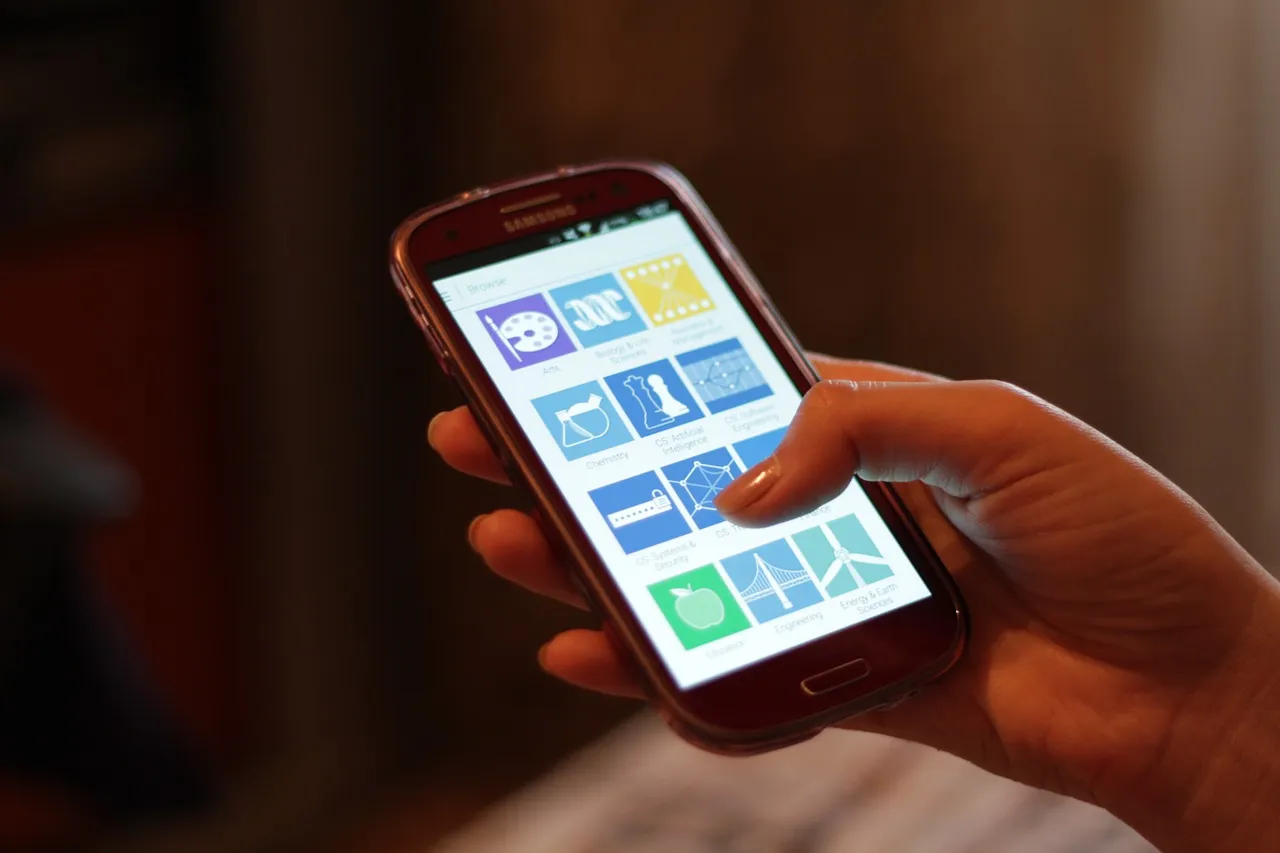
Photo source & license
Smartphone Use.jpg · Credit: Océanos y dados · CC0 · Photographed 2015Resized and converted to WebP; display framing may crop the photograph. The photograph and these versions retain the linked license.Quick sequence
Start here
- Check your home carrier's exact roaming terms
Confirm that mainland China, not only Hong Kong or Macao, is included for your plan. Check data, voice and SMS terms, costs and any activation requirement with the carrier; keep the home line available if you rely on its verification codes.
- Check a travel eSIM before buying
Confirm device compatibility, mainland China coverage, data allowance, validity and activation rules in the product terms. Install it when and how the provider instructs; there is no universal rule that every eSIM should be activated only on landing.
- Use a carrier store for a local SIM
If you need a mainland number or local plan, take your passport to a China Telecom, China Mobile or China Unicom-owned store. Ask about current voice and data plans and whether that operator supports eSIM for your document and device.
- Download offline essentials
Before departure, download offline map areas and translation language packs in apps that offer them. Save hotel addresses in Chinese, booking confirmations, train order details, important phone numbers and copies of critical documents offline.
- Test and arrange alternative contact
On arrival, test basic data and the services you actually need on the current connection. Agree on more than one way to contact travel companions and your accommodation; do not make the plan depend on a VPN, eSIM or overseas service always working.
Troubleshooting
Match your symptom
Your home SIM or travel eSIM has no usable data after arrival.
- Check that the plan covers mainland China, the intended line is selected for data, activation is complete and the plan has not expired or exhausted its allowance.
- Follow the carrier or eSIM provider's support process for the exact plan rather than changing settings from an unrelated tutorial.
- Ask your accommodation for Wi-Fi access while you resolve the connection; Wi-Fi does not guarantee that every overseas service will be reachable.
我的手机现在无法上网。请问这里有无线网络吗?密码是什么?
Fallback: Use downloaded maps, addresses and tickets while you contact the provider. If you need a local service, take your passport to an official carrier store and ask about an available SIM or eSIM plan.
An overseas app, website or VPN does not connect on the current network.
- Treat availability as network- and time-dependent rather than repeatedly assuming the device is broken.
- Switch to the offline or locally available alternative you prepared for maps, translation, tickets and messages.
- If you use a VPN, follow Chinese law and check the provider's licensing position; this guide does not provide instructions for evading network controls.
这个境外服务现在无法使用。请问有什么本地替代方式?我需要查看地址和联系酒店。
Fallback: Use offline copies and a contact method you have already confirmed works on the current connection. Hotel staff or an official carrier store may help with local communication, but neither can guarantee access to a particular overseas service.
Your overseas number cannot receive a banking or login SMS.
- Check with your home carrier whether roaming, incoming SMS and the relevant sender or short code are supported on your plan.
- Use the bank or service provider's official alternative verification or support channel if one is offered.
- Keep your physical card and a small amount of RMB cash available so a login problem does not leave you without any payment option.
我的境外手机号收不到银行验证码。请问可以通过其他官方方式验证,或联系银行客服吗?
Fallback: Buying a local SIM will not redirect codes sent to your home number. Contact the home carrier, bank or service through a working channel and use offline bookings and non-app payment backups meanwhile.
The usual symptoms are no data, an unreachable overseas service, or a missing verification SMS. They need different fixes, and no roaming plan, travel eSIM, local SIM, hotel Wi-Fi or VPN can guarantee that every service will work everywhere. Official guidance and travel advice below were checked on 22 October 2026.
Know the rules and limits
- Your home carrier and travel eSIM provider set their own mainland China coverage, activation, allowance and SMS terms. Check the exact product rather than treating “Asia” or “China” marketing as enough.
- Official 2026 guidance says you can take a passport to a China Telecom, China Mobile or China Unicom-owned store for mobile service. Some operators support eSIM; the guide tells users to confirm current requirements with the operator.
- UK government travel advice lists Google, Facebook, YouTube and X among services blocked on mainland networks and says other websites may sometimes be blocked. Availability can differ by connection and time. It also notes Chinese licensing rules for online products such as VPNs: stay informed and follow Chinese law.
Set up connection and backups
- Check roaming before departure. Confirm mainland China data, voice and incoming SMS with your home carrier, including charges and activation. Keep the home SIM usable if banks send codes to that number.
- Compare travel eSIMs by their written terms. Check device support, mainland coverage, allowance, validity start and activation instructions. Install or activate only as that provider directs.
- Use an official carrier store for local service. Bring your passport and ask for a current voice-and-data plan. A local number can help with local contact, but a local SIM does not guarantee access to overseas services or delivery of codes addressed to your overseas number.
- Make the phone useful offline. Download map areas and translation packs where the app supports them. Save the hotel’s Chinese name and address, transport and booking details, important numbers and critical document copies on the device; carry essential paper backups as well.
- Test on the actual connection. Check data and your essential services after arrival. Arrange an alternative contact channel with companions and your accommodation instead of waiting for an emergency to discover that a service is unreachable.
Ask for help in Chinese
- Wi-Fi while troubleshooting: 我的手机现在无法上网。请问这里有无线网络吗?密码是什么?
- At a carrier store: 请问这里可以凭护照办理手机SIM卡吗?我需要通话和流量套餐。
- When an overseas service is unavailable: 这个境外服务现在无法使用。请问有什么本地替代方式?我需要查看地址和联系酒店。
Use layered fallbacks
For no data, use offline information and available Wi-Fi while contacting the provider, or visit an official carrier store. For an unreachable overseas service, switch to the offline or locally available alternative rather than relying on a promised VPN connection. For missing SMS codes, use the home carrier’s, bank’s or service’s official support and verification options. A replacement local SIM cannot solve a code sent to a different number, so keep physical payment, booking and contact backups independent of that code.
Sources and useful links
- 2026 Guide for Foreign Business Expatriates in China — mobile serviceChecked Oct 22, 2026
Page 3 supports applying with a passport at China Telecom, China Mobile or China Unicom-owned stores and checking operator-specific eSIM availability.
- UK Foreign, Commonwealth & Development Office — China safety adviceChecked Oct 22, 2026
The Internet access section supports blocked and sometimes unavailable overseas services and the need to follow Chinese law on licensed online products and VPNs.
Spotted something out of date? Let us know